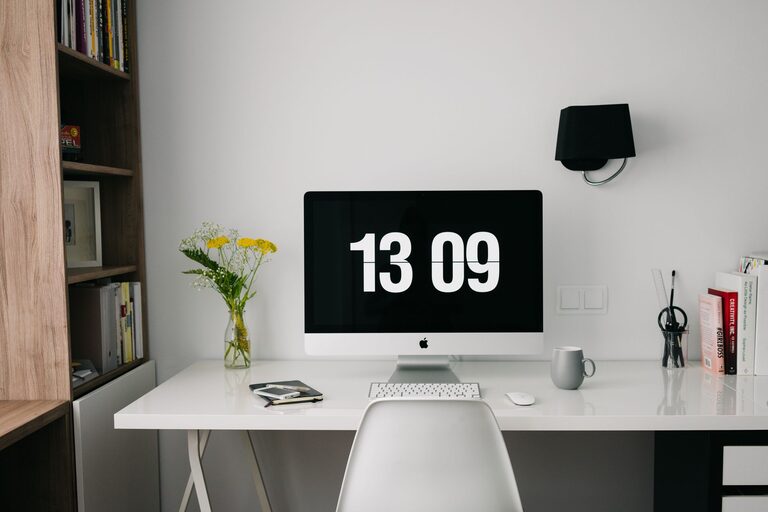

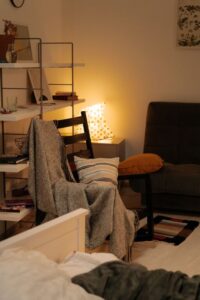
Creating a home office that balances comfort and functionality is essential for both productivity and well-being. Whether you work remotely full time or just need a dedicated spot for occasional tasks, designing a space that feels cozy yet efficient can make a big difference in your workday experience. Here are some helpful tips to guide you in transforming any area into a perfect home office.
Choose the Right Location
Start by selecting a spot in your home that suits your work needs. Ideally, pick a quiet area away from heavy foot traffic to minimize distractions. Natural light is a bonus since it can improve mood and focus, so consider positioning your desk near a window if possible.
Invest in Comfortable Seating
Your chair plays a crucial role in comfort and posture. Opt for an ergonomic office chair that supports your back and encourages good sitting habits. Adjustable height and lumbar support help reduce fatigue during long hours at the desk.
Select a Functional Desk
Choose a desk with enough surface area for your computer, paperwork, and other essentials. Consider desks with built-in storage like drawers or shelves to keep supplies organized and within reach. If space is limited, a wall-mounted desk or a foldable option can work well.
Control Lighting for Comfort and Productivity
Good lighting prevents eye strain and boosts concentration. Combine natural light with layered artificial lighting — such as a desk lamp and overhead lights — to create a well-lit environment. Adjustable lighting lets you tailor brightness according to the task.
Organize with Smart Storage Solutions
Clutter can undermine productivity and create stress. Use organizers, file holders, and baskets to keep papers and office supplies tidy. Labeling storage containers helps find items quickly, and vertical storage options save floor space.
Add Personal and Cozy Touches
Your home office should reflect your personality while remaining functional. Add plants for a touch of greenery and better air quality. Use soft textiles like rugs, cushions, or curtains to enhance warmth and comfort. Personal artwork or photos can also make the space inviting.
Manage Cables and Technology Efficiently
Messy cords can be distracting and hazardous. Use cable organizers, clips, or sleeves to keep wires neat and out of sight. Ensure your technology setup supports your work needs — reliable internet connection, quality headset, and other equipment can improve efficiency.
Set Boundaries to Separate Work and Relaxation
Especially important in a home setting, creating mental and physical boundaries between work areas and living spaces helps maintain balance. Designate your office as a “work only” zone and set specific work hours to encourage focus and downtime.
Incorporate Ergonomic Accessories
Consider accessories that enhance comfort, such as a keyboard tray, monitor stand to keep screens at eye level, or a footrest. These small additions support better posture and reduce the risk of discomfort throughout the day.
Keep it Flexible and Adaptable
Your work needs might change over time, so make the space adaptable. Modular furniture or easy-to-move items allow you to rearrange your office as needed. This flexibility can help maintain a fresh and inspiring environment.
—
Creating a cozy, functional home office is about blending practicality with comfort. Focusing on good lighting, organization, comfort, and personal touches will help you establish a workspace where you want to spend time, ultimately boosting motivation and productivity. With these tips, you are ready to build a home office that supports your work and well-being.